

Write for the ear, not for the eye
A reader can go back and read a sentence again; a listener can't. That is why text written to be spoken differs from an article:
- Short sentences, one thought each. A forty-word sentence doesn't sound good in any voice.
- The right punctuation: full stops and commas decide where the voice breathes; a sentence with no commas is read in one breath.
- Write figures and symbols the way they should be heard: "25%" as "twenty-five per cent" and "kWh" as "kilowatt-hours".
- Foreign names: if they should be said the local way, write them that way; if they should be said in English, leave them in English.
- Headings and lists: speech has no headings; before each part, add a sentence that says what comes next.
Getting Persian pronunciation right
Persian script leaves most vowels unwritten, so a word can have several readings and the voice guesses the right one from the sentence. It usually guesses right; where it doesn't:
- Write the sentence so the word's meaning is clear, or use another word that means the same.
- Add vowel marks if you need to, and listen to the result; they help, but they don't always guarantee it.
- Use the zero-width non-joiner properly; a word written with a plain space instead may be read differently.
- Write abbreviations and names the way they should be heard, such as the full name of an organisation rather than its initials.
Making speech in Goftito's voice studio, step by step
-
Write or paste the text
Open the voice studio and choose the text-to-speech tool. The text's language is detected for you, and the character count and credit estimate are right beside it.
-
Choose a voice
Search the voice library, filter by female and male, and hear each voice before you build. A warm, calm voice for a podcast; a livelier one for an advert.
-
Set the tone with tags
Put tags like [warm], [whispers] or [long pause] at the cursor with one click. The voice changes its tone from there, and the tag itself isn't read out.
-
The voice settings
If the reading is flat, try "Creative"; if the tone shifts too much from one sentence to the next, "Robust". Set the speed between 0.7 and 1.2; a little slower suits teaching.
-
Build, listen, download
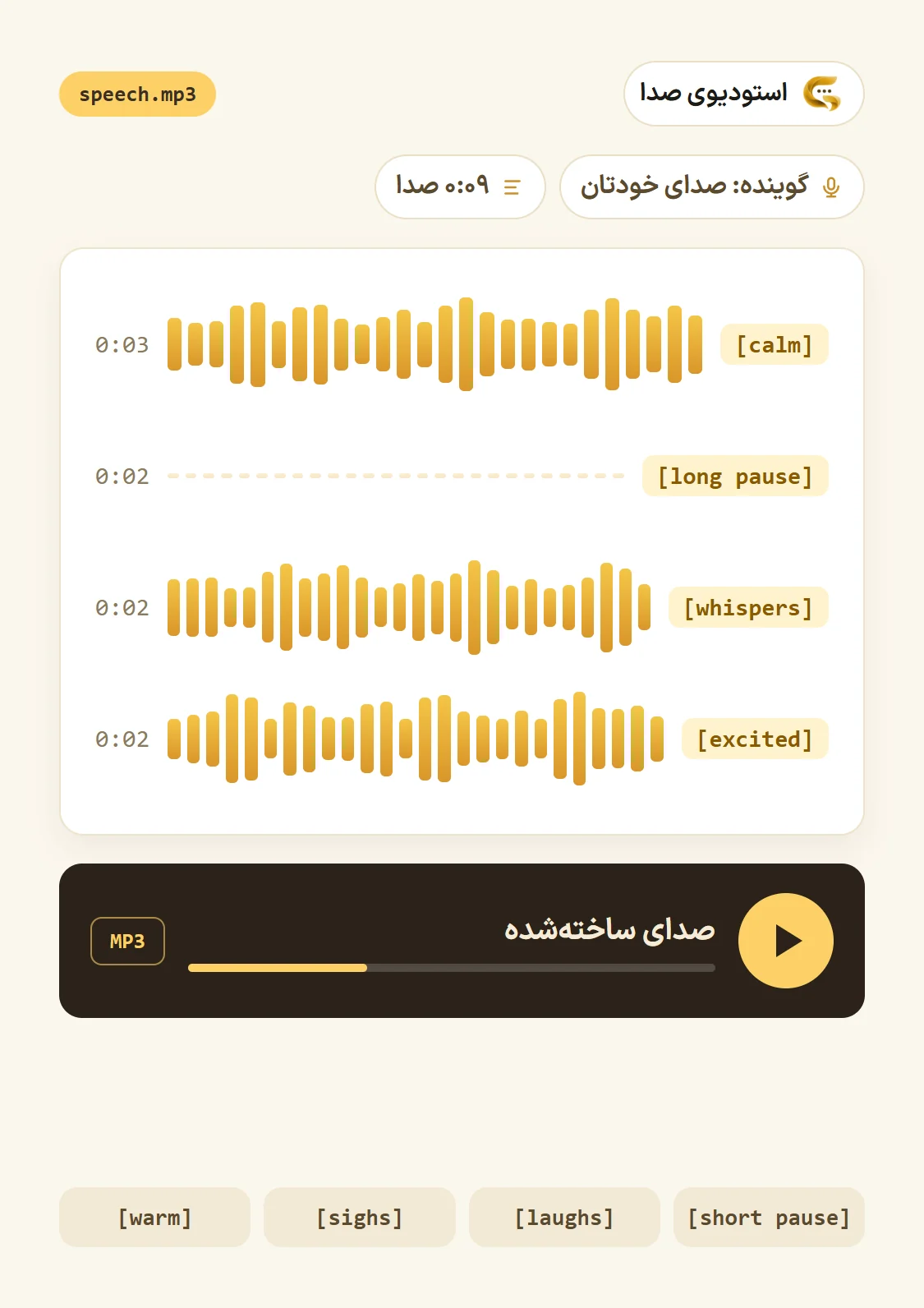
Make a short paragraph first and listen; once you like the voice and the settings, the whole text. The speech plays right there and you download it as an MP3. Credit is taken only once the speech is ready.
An example: a short script with emotion tags
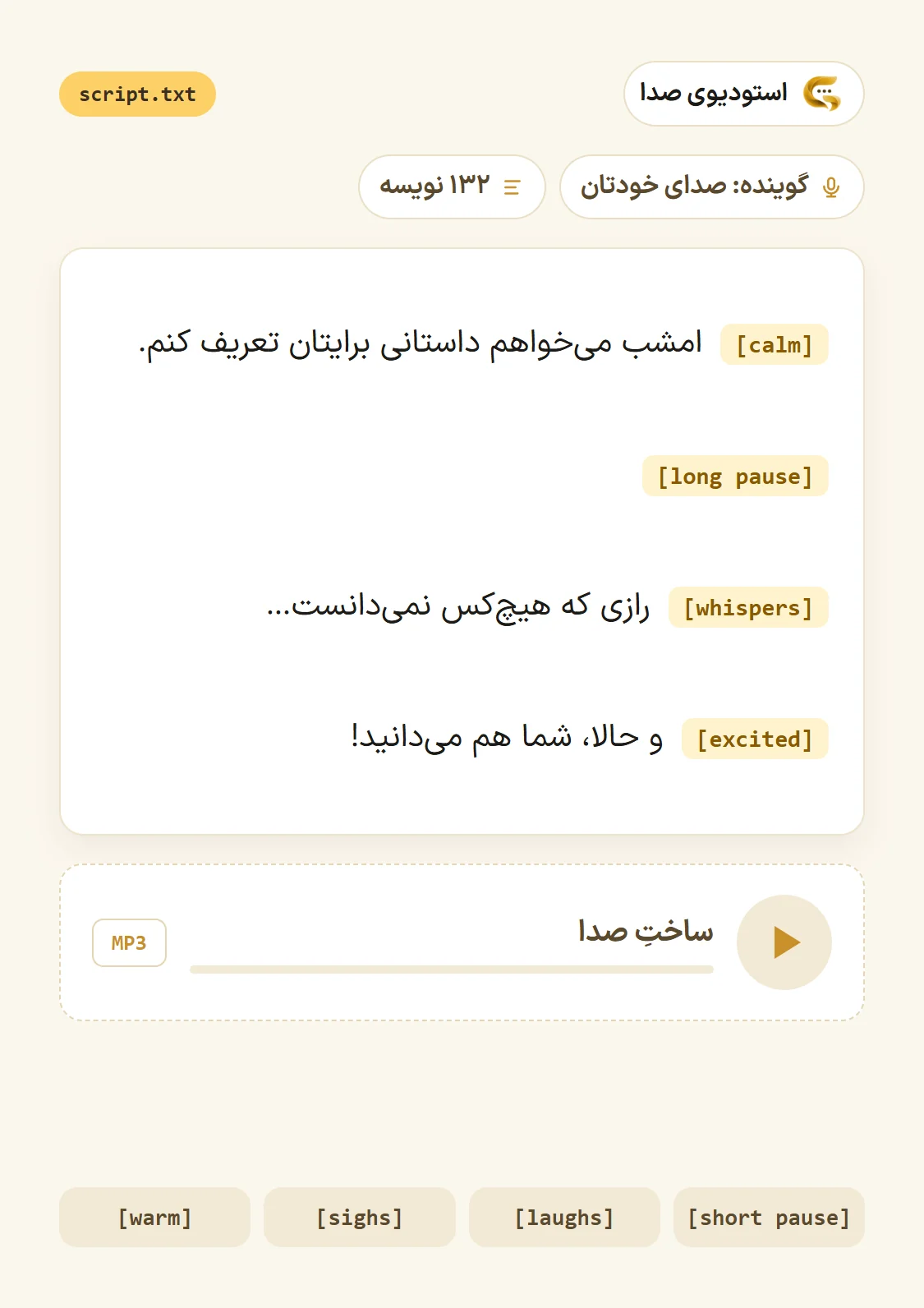
This is the voice studio's own sample script. Each tag sets the tone of the sentence after it and isn't read out itself:
- [calm] Tonight I want to tell you a story.
- [long pause]
- [whispers] A secret nobody knew…
- [excited] and now, you know it too!
In a podcast, a calm start and a long pause before the main point keep listeners with you; in an advert, save [excited] for the last line so it keeps its punch. The other tags: warm, calm, sad, whispers, laughs, sighs, short pause and long pause.
Your own voice, and where a voice actor is needed
If your podcast or course is known by your own voice, you can make your own: record yourself in the browser or upload a few samples, and confirm the voice is yours or that you have permission. The voice is in your list only. For good samples:
- Record in a quiet room without echo, and keep the microphone at the same distance.
- Read in your natural tone, the one you use in your podcast.
- A few minutes of clean samples beat a long, noisy recording.