Keep the document intact— change only the language.

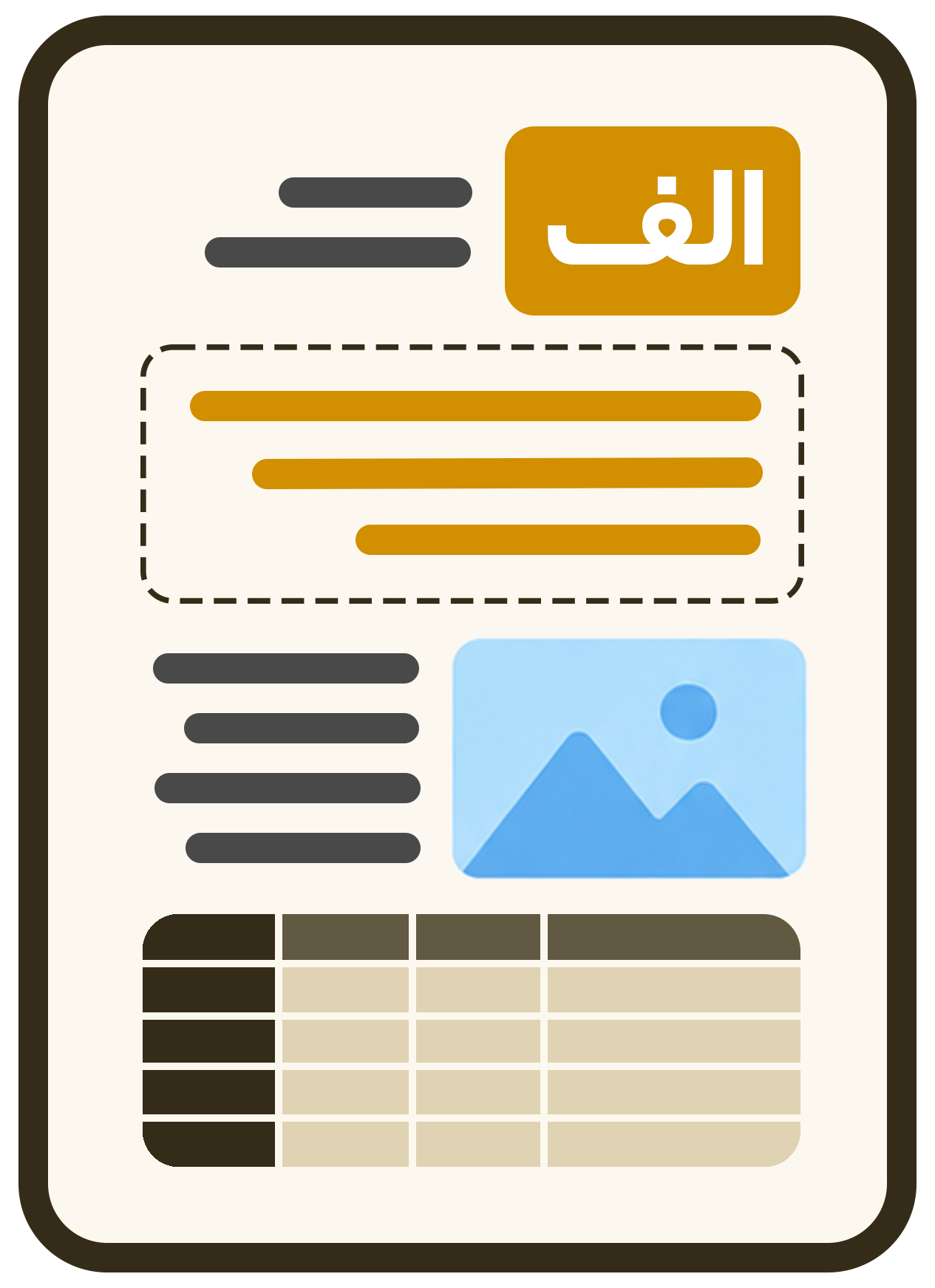
We understand the file, translate the content, control terminology and reconstruct the output with tables, images, footnotes, text direction and professional layout.

Smart OCR Glossary, memory Automatic QA
AI + QA Analyse & translate
Standard Professional Expert
3 Quality levels
Documents Images & scans Web pages
5 Input types
PDF DOCX PPTX
11 File formats
Support for multiple formats

Translate every file type, without limitations

From documents and presentations to images and subtitles, upload your file in any format and receive an accurate professional translation while preserving original quality.

</>
HTML Web pages
TIFF
TIFF High-quality images
WEBP Web images
PNG Transparent images
JPG Standard images
TXT Plain text
PPTX Presentations
W
DOCX Office documents
PDF
PDF Document files
CC
SRT Subtitles
From file to output

Five stages, one continuous workflow

Structure analysis, project configuration, translation, quality assurance and output reconstruction work together as one connected workflow.

Start the real workflow ←
STEP 01
PDF
UPLOAD

Upload your input

A file, image, URL or subtitle enters the processing flow.

STEP 02
AI
ANALYZE

Structure is understood

Text, tables, images, OCR regions, columns and page components are detected.

STEP 03
PRO
CONFIGURE

Configure language & quality

Quality level, glossary and Translation Memory are applied to the project.

STEP 04
QA
TRANSLATE + QA

Translate & review

Translation, terminology control and automatic QA run as one connected stage.

STEP 05
✓
RENDER

The document is rebuilt

The final output is rebuilt with the appropriate structure and layout.

Output compared

See the difference between a plain and a professional translation

A plain translation only swaps the text; our engine also keeps the structure, tables, pictures, right-to-left/left-to-right direction and quality checks.
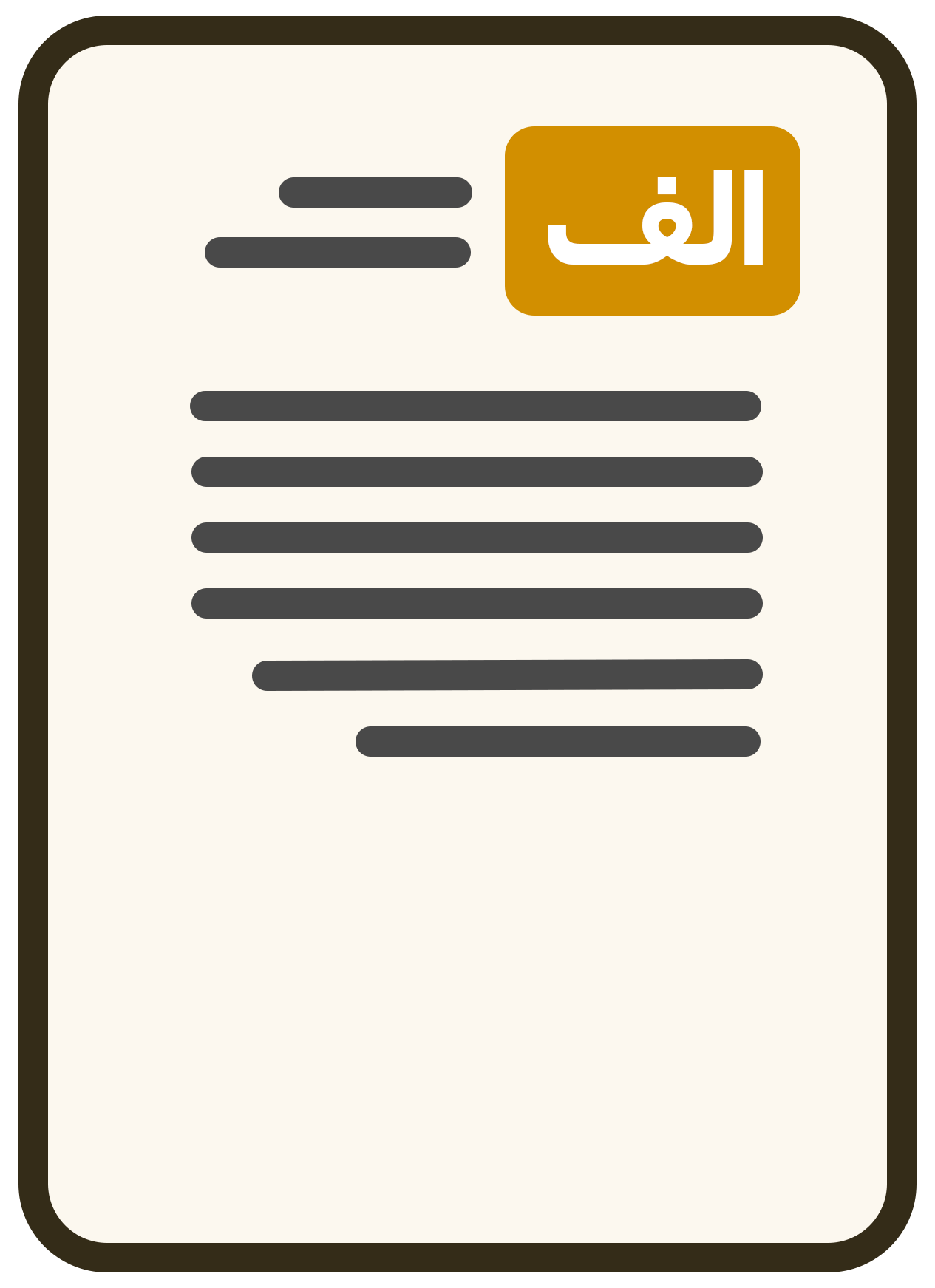
Plain text translation

Text only

Aa
Output Sample output of a text-only translation
→
Input Sample input file
Only the text is carried over The file's original layout can't be relied on in the output.
Tables and pictures get scrambled Where the visual elements sit, and the document's structure, are usually lost.
The redesign is left to you After the translation you have to set aside time to fix how the file looks.
Goftito

Content + structure

▦
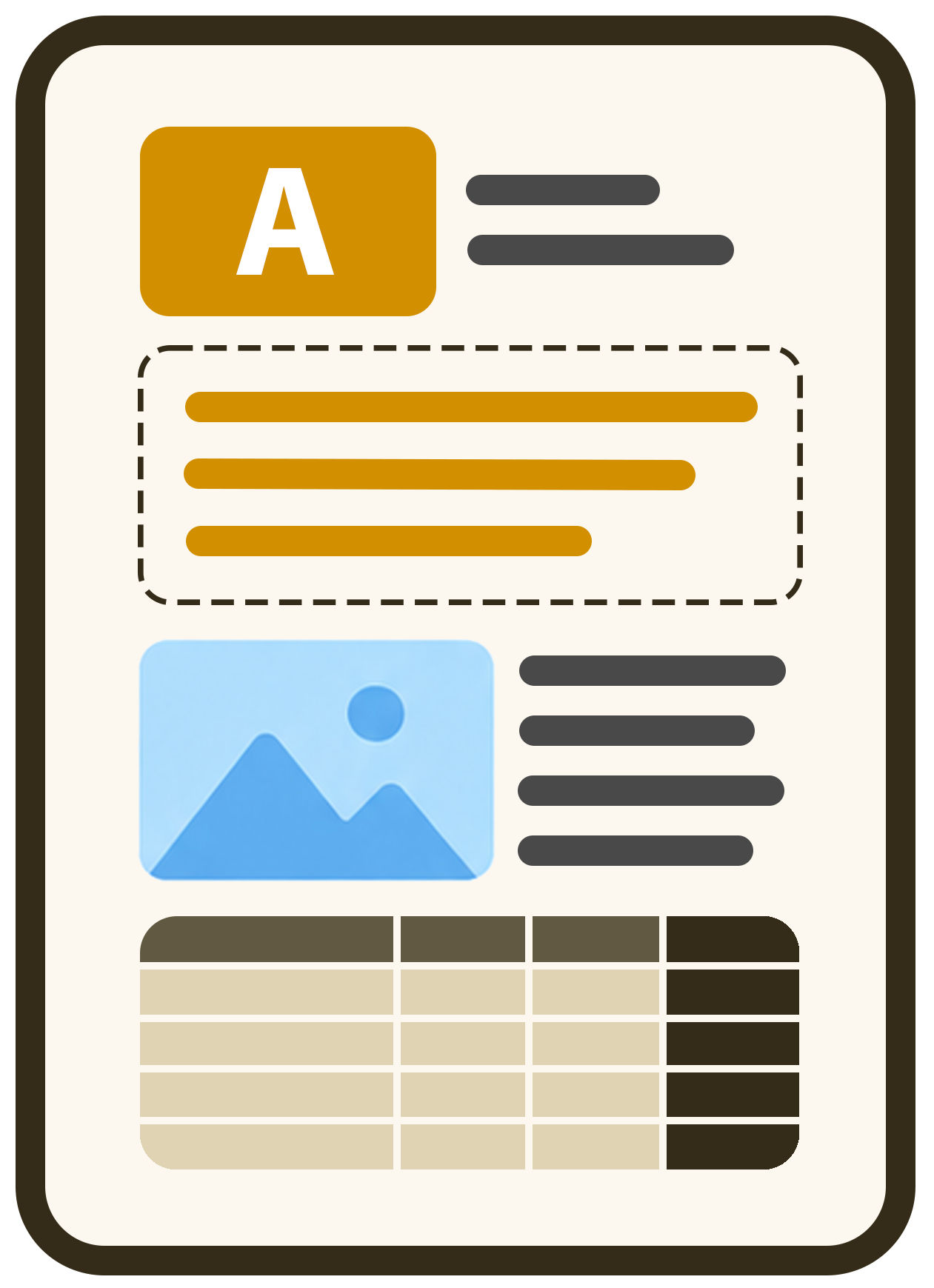
Professional output Sample output of a translation that keeps the structure
AI
Input Sample input file
The layout and the place of every element are kept The page structure, its blocks and the arrangement of the content are rebuilt intelligently.
Tables, pictures and RTL/LTR stay intact The final document isn't just translated; it also arrives looking ready to use.
QA, glossary and memory are applied along the way The final output is more consistent, more professional and closer to a real deliverable.
Key capabilities

Capabilities that turn translation into a professional deliverable

It is not just plain text translation—glossary, translation memory, quality control, multilingual handling, and quality levels work together in one unified flow.

QUALITY ASSURANCE

Automatic QA

Before delivery, common issues such as URLs, numbers, units, and inconsistencies are checked.

URLs ✓ Numbers ✓ IDs ✓ Units ✓
Higher accuracy Common issues are detected before final delivery.
TRANSLATION MEMORY

Translation memory

Previous translations are reused to preserve tone, consistency, and speed across the project.

87% Reuse rate
100% Tone consistency
Better consistency Repeated phrases remain consistently translated.
GLOSSARY

Specialized glossary

Your brand, technical, and organizational terms stay controlled and consistent across all files.

Microservice endpointAPI
General ledgerLedger
Render engineRenderer
Terminology control Sensitive terms are used exactly the way you define them.
MULTILINGUAL

Multilingual & RTL/LTR

Text direction, layout, and right-to-left / left-to-right compatibility are handled correctly.

EN→FA DE→AR TR→EN FA→RU
Real compatibility It is not just translated—the structure is adapted for each language direction.
QUALITY LEVELS

Three quality levels

Choose between Standard, Professional, and Expert depending on the document type and budget.

Standard
Professional
Expert
More flexibility You choose the right balance of speed, quality, and cost for each project.
UNIFIED INPUT

Five input types

Document, text, image/scan, webpage, and subtitle inputs are handled in one unified experience.
PDF DOCX PPTX WEB SRT
Unified intake No matter the source, the professional processing flow stays consistent.