

A video that dubs well
A dub is built from the video's speech; the clearer the speech, the more accurately it's written down and the better its speakers are told apart. Before you upload:
- Give the version with clean sound, not one with loud music over the speech.
- Cut a long video into parts; each is built and checked on its own, and if something needs redoing you redo only that part.
- MP4, MOV, M4V, MKV, WebM and AVI are taken; the longest and largest video allowed is shown on the dubbing page.
- If several people talk, it helps if they don't talk over each other; overlapping speech is harder to separate.
Read the translated script before it's voiced
The speech is cut into lines, each with its speaker, start and end, and each line is translated to be said in those same few seconds. Before the voices are made, read the script like this:
- Look at product, device and technical names; if one must stay as it is or has a set equivalent, fix it right there.
- Write numbers and units so they're read correctly.
- If a line went to the wrong speaker, change its speaker; you can name each speaker too.
- Choose the translation style: “natural, like a dubbing actor” for general videos, and “close to the original words” when exact wording matters more than flow.
Voices, the original sound and subtitles
Choose a voice that suits each speaker; hear each voice before you pick it. The voice you made of yourself in the voice studio is in the list too.
- The video's own sound stays quietly under the dub so its music and feel come through, and comes back wherever nobody speaks. If you don't want it, remove it entirely.
- Subtitles: inside the video and switchable in the player, written onto the picture, or none.
- The translated and original subtitles, the dub's audio alone and both scripts download separately too.
Dubbing in Goftito, step by step
-
Give the video
Open “Video dubbing” in the voice studio, upload the video and choose the language to dub into and the translation style. The file is sent in pieces, so a dropped connection carries on from where it stopped.
-
Make the script
See the cost estimate and make the script; the speech is written down, the speakers told apart and the lines translated.
-
Read and edit
Read each line beside its original, change its translation or speaker, and choose a voice for each speaker.
-
Build the video
Set the original sound and the subtitles, and build the video. It plays right there, and you download the video, audio, subtitles and scripts.
An example: a few lines of a training video
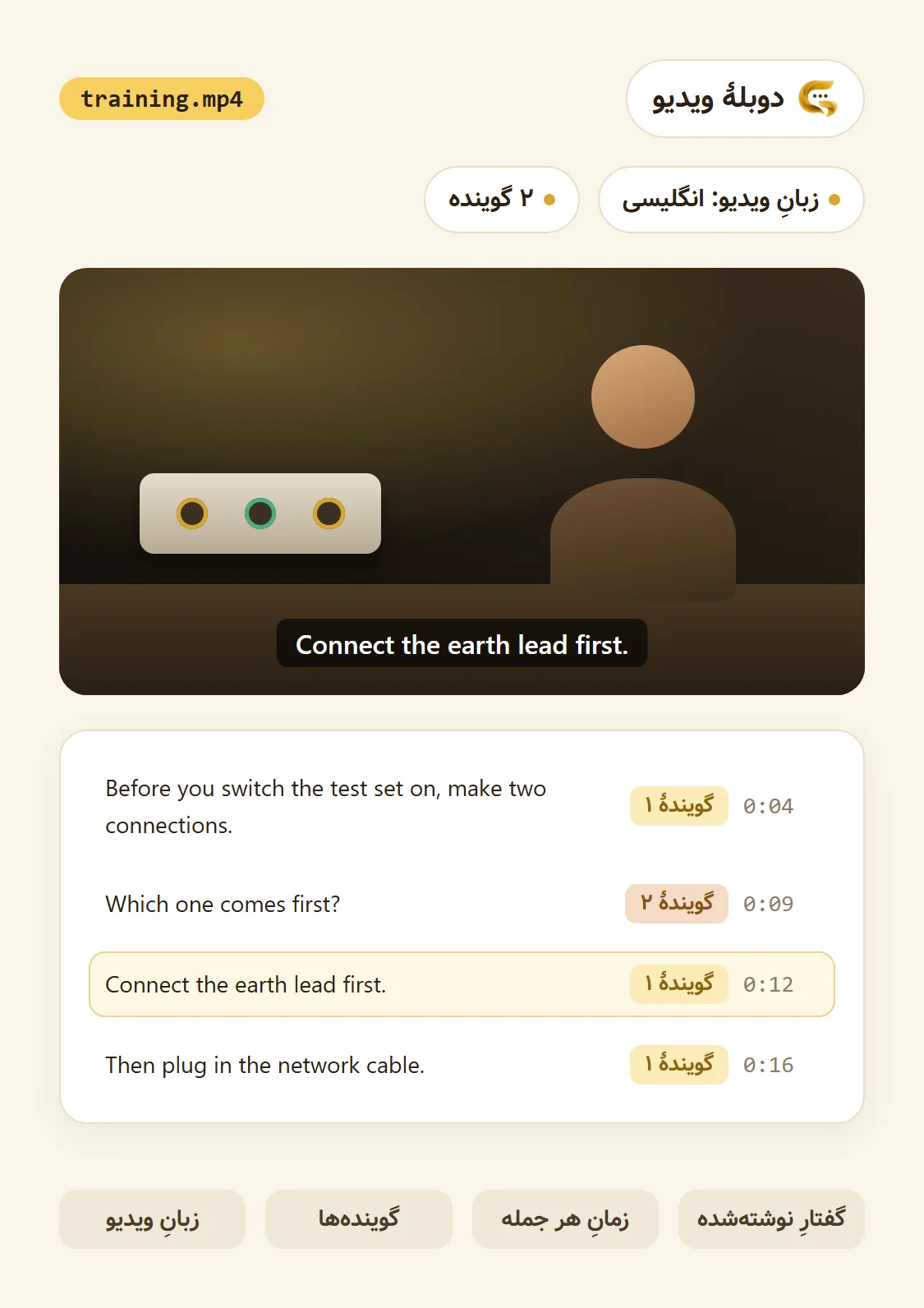
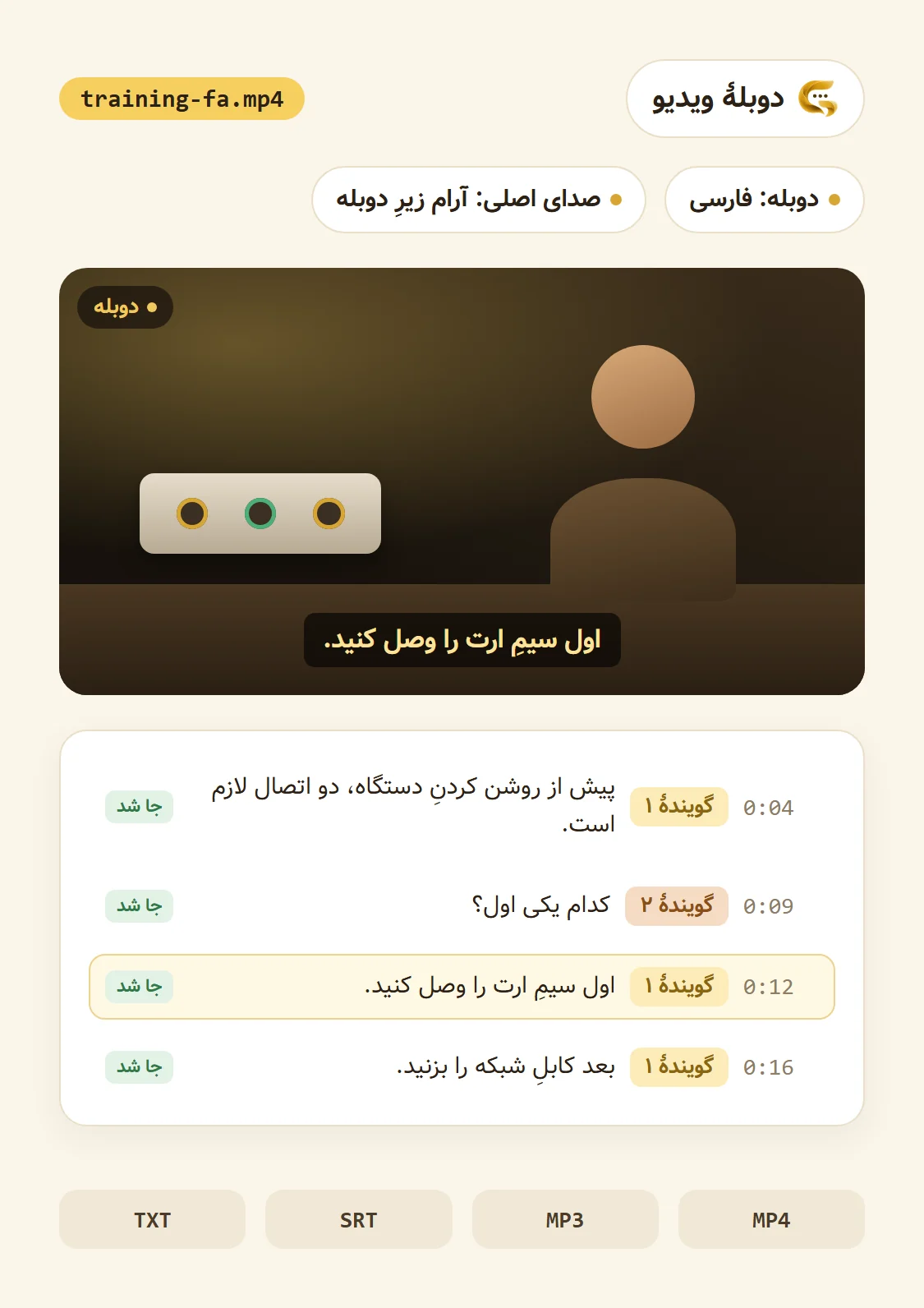
A short video about connecting a test set, with two speakers. These lines were written to show what the work looks like:
- 0:04 · Speaker 1: Before you switch the test set on, make two connections.
- 0:09 · Speaker 2: Which one comes first?
- 0:12 · Speaker 1: Connect the earth lead first.
- 0:16 · Speaker 1: Then plug in the network cable.
Each line keeps its start time from the video, and its translation is no longer than the line it replaces; “Which one comes first?” became a three-word Persian question to be said in the same second and a half.
After the build: fix one line
Watch the video to the end. If you don't like a line, you don't have to make it all again:
- Hear any line alone.
- Change its words or just ask for it to be read again; only that line is made and the video made again.
- You pay only for the lines that are read anew.