

Choose the format and length for your listener
Before anything else, ask who will listen and why. Those two questions decide the format:
- Conversation: two or three hosts, one asking and another explaining; for a subject that needs unpacking, such as training or a product.
- Interview: a host asks and a guest answers; when it's better heard from an expert.
- Solo: one voice, like a story or a weekly note.
- Document summary: one host tells the main points of a report, book or paper you give it.
Choose the length from what you have to say, not from habit. A minute of speech is roughly 110 to 150 words, depending on the language, so a five-minute episode, with its intro, outro and pauses, has a script of about five to six hundred words. A subject that fits in five minutes drags in fifteen.
What to give the script from a document
The script writer reads whatever you give it, but not everything in a document is worth hearing. Before you give it a file:
- Give it the part where the main point is; reference lists, appendices and tables full of numbers aren't worth hearing.
- Say who it's for in “Audience”: “new sales staff” gives a different script from “senior managers”.
- Word, plain text, Markdown, SRT or VTT subtitles, or a PDF whose text can be selected; up to 30,000 characters of it are read.
- If a point must be made, write it in the topic or the audience; the writer takes it seriously.
Read the script for the ear
The script is written with a hook, a short welcome, chapters with examples, a recap and a sign-off. Before you build, read it aloud once and look at these:
- One thought a line; split a line that leaves you out of breath.
- Write figures and symbols as they should be heard: “25%” as “twenty-five per cent”.
- Keep turns short; a conversation where one person talks for a minute straight is a lecture.
- Write names and technical words so they're read correctly.
- After an important point, add a musical pause (♪); and turn on the background music for chapters that tell a story.
Making the episode in Goftito, step by step
-
The topic and the format
Open the podcast maker in the voice studio. Write the topic or give a file, and set the format, language, tone, audience, length and the hosts' names.
-
The script
The script is written in minutes. Edit any line, its host and the chapter titles right there; the episode's estimated length is under the script.
-
The voices
For each host, hear and pick a voice from the library, or the voice you made of yourself.
-
The music
Choose the music's style, and turn the musical pauses and the background music on or off.
-
Build and download
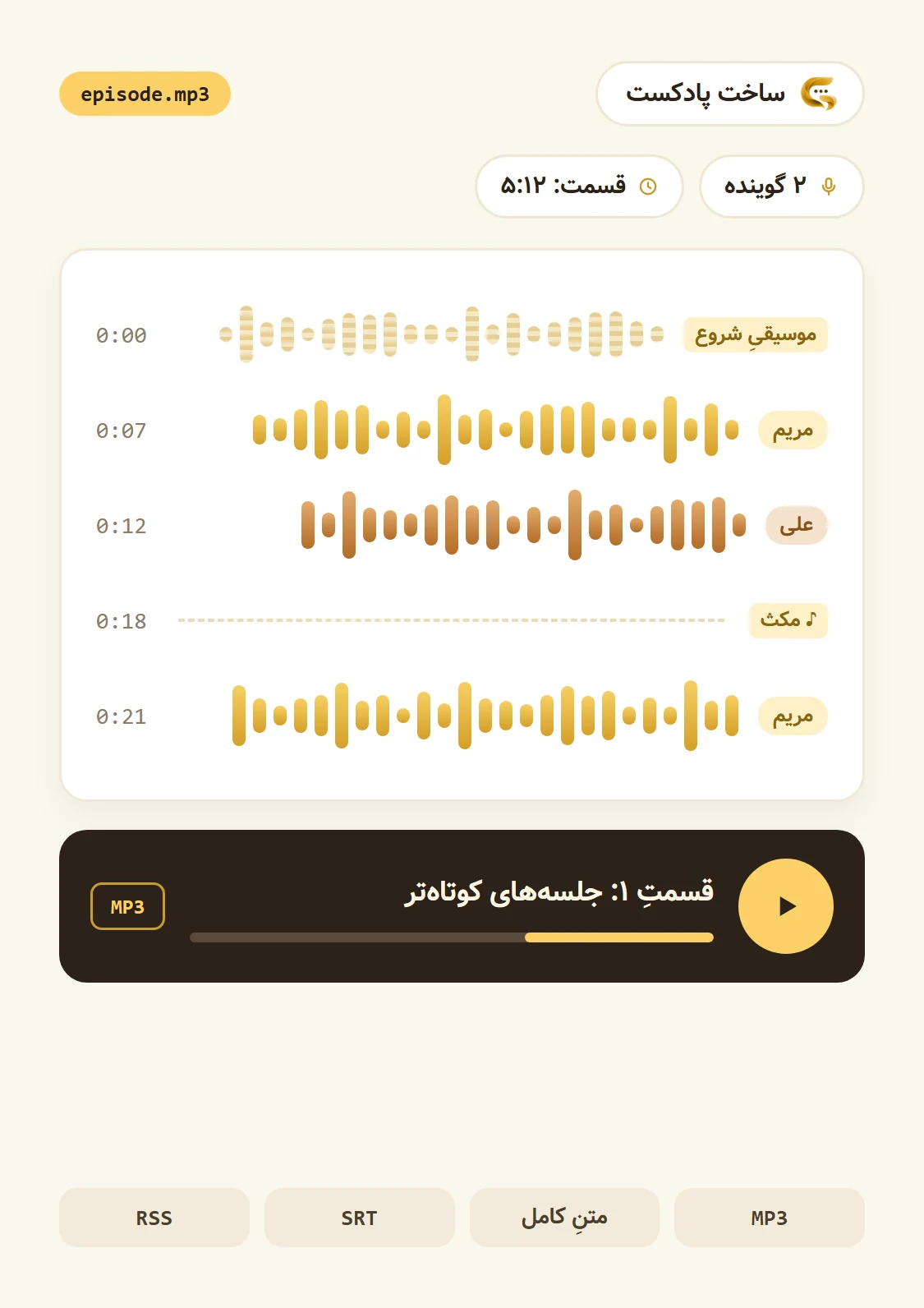
See the cost estimate and build the episode. It plays right there, and you download the MP3, the transcript, the SRT subtitles and the show notes.
An example: a few lines of a conversation script
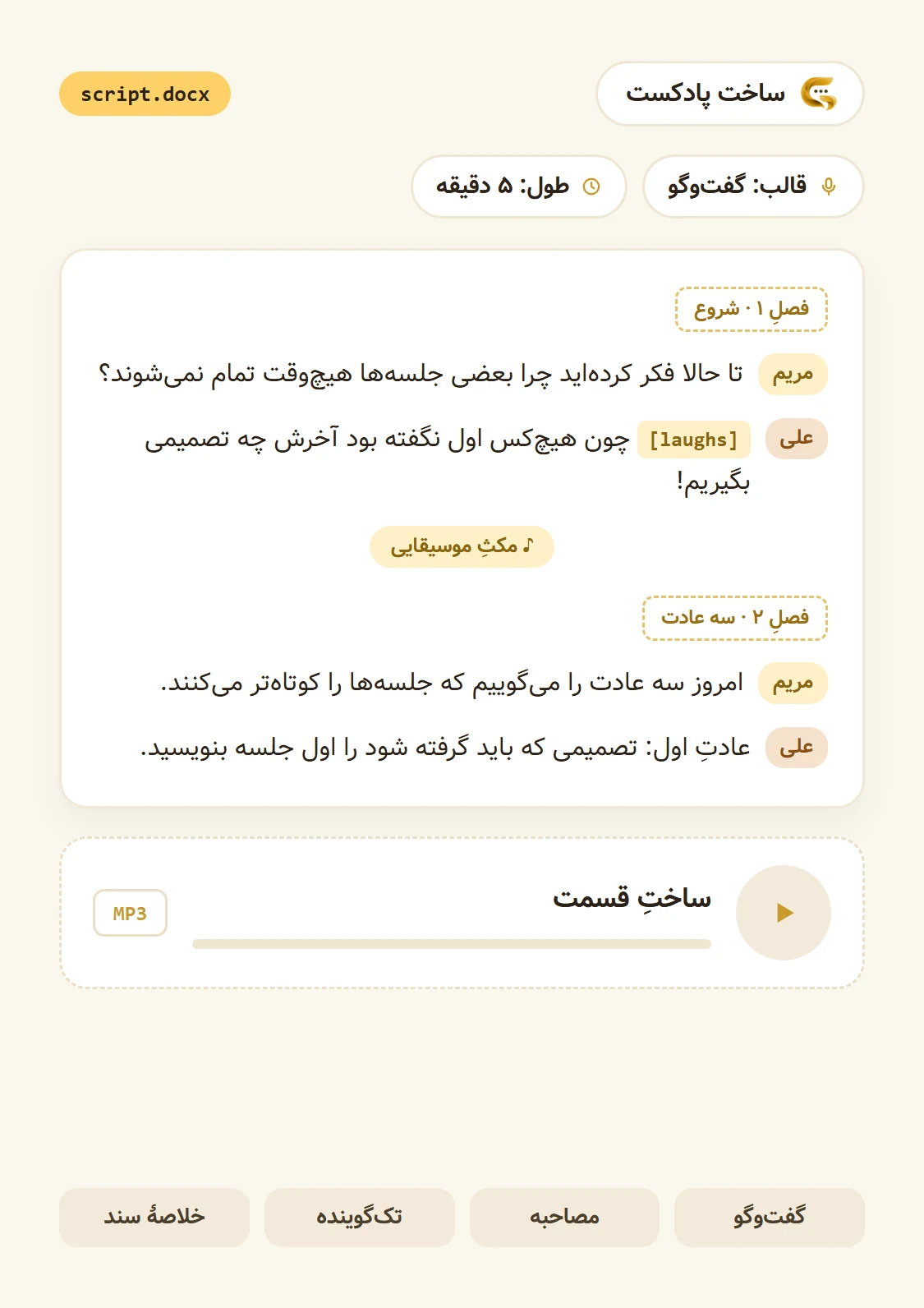
The opening of a five-minute episode about work meetings, with two hosts. These lines were written to show what a script looks like:
- Chapter 1 · Opening
- Emma: Have you ever wondered why some meetings never end?
- Leo: [laughs] Because nobody said at the start what had to be decided by the end!
- ♪ Musical pause
- Emma: Today, three habits that make meetings shorter.
The first line is a question the listener wants answered, the turns are short, and the musical pause comes right before the main point. The [laughs] tag isn't read out; it's heard.
Publishing on Spotify and Apple Podcasts
Podcast apps don't take files directly; they read an RSS feed: an address that lists the episodes and updates with each new one.
-
Make a channel
Write the name, description, author, owner's email, language and category, and add a cover. It's cut square and saved at 1400 by 1400 pixels, the minimum Apple Podcasts asks for.
-
Publish the episodes
Press “Publish in the feed” under any built episode; you can change its title and description.
-
Submit the feed once
Copy the feed's address and submit it once in Apple Podcasts' and Spotify's creator portals. Apps such as Castbox take a feed too.
-
The rest is automatic
From then on, every episode you publish reaches those apps on its own.