

Write a brief that leaves nothing to invent
A language model fills every gap with something “likely”: a feature your product doesn't have, a discount you never offered, a figure from nowhere. The best guard is a precise brief:
- Say what it is, what it does and who it's for: the things you'd answer if someone asked.
- Write the price, the price before the offer and the offer's deadline exactly as they should appear; the studio never makes them up and only takes them from what you wrote.
- Name the audience: “a final-year master's student” gets a different headline and tone from “a sales manager”.
- In “Your wishes”, say what to stress: “show the speed, not the price” or “a warm, friendly mood”.
A post, a carousel, a story or a reel?
Each format has its own job. A whole pack makes them all in one design language, but sometimes you need just one:
- A single post: one point, one picture; for an announcement, a short introduction or an offer.
- A carousel: two to ten slides people swipe through; for lessons, lists, steps and comparisons. A good cover asks a question the next slides answer.
- Stories: vertical and short-lived; for questions, polls, countdowns and calls to buy or sign up.
- Reels: 15 to 60 seconds of video with a voice and music; the best chance of being seen by people who don't follow you yet.
Describe your brand once
A page whose posts belong together looks more professional. That's why the brand is described once and every pack follows it:
- The main and accent colours: the two in your logo and on your sign.
- The logo: ideally a PNG with a transparent background; your real logo is placed on the picture after it's designed, never redrawn.
- The tone: friendly, formal, luxury, energetic or expert; it shapes the words on the picture and the caption.
- Phone, website and address: only these appear on the contact slide.
Choose the quality by the job: at “economy” the studio lays out the design and the words with a font itself; at “professional” and “premium” each picture is designed whole with its words, “premium” with more detail.
Making a pack in Goftito, step by step
-
The brand
In the Instagram studio, pick or create your brand: the page's name, colours, logo, tone and contact details.
-
The subject and the brief
Say what it's about, a product, a service, a lesson, an event or news, and write the description, the audience and the goal. Add your product photo if you have one.
-
What to make
A whole pack, a post or carousel, stories or a reel; the number of slides and stories, the visual style and the quality. Write any of the words you want yourself.
-
Estimate and build
See the estimate and build. The pictures are designed and the caption and hashtags written; credit is taken only once they're ready.
-
Review and download
Read the words, change them if you need to, or have a picture redesigned. Download everything with the caption in one zip, and the reel as an MP4.
An example: a teaching pack the studio made
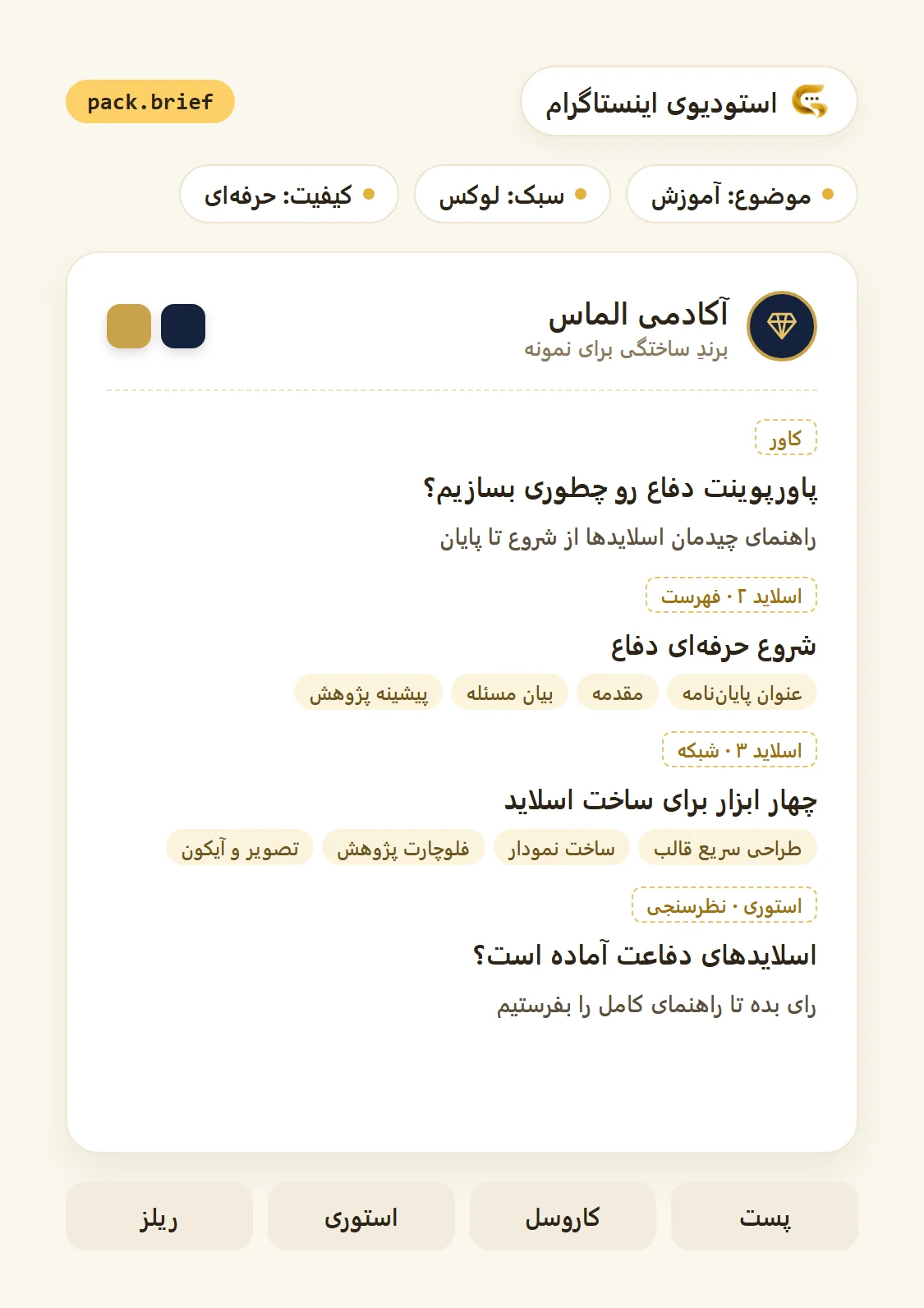
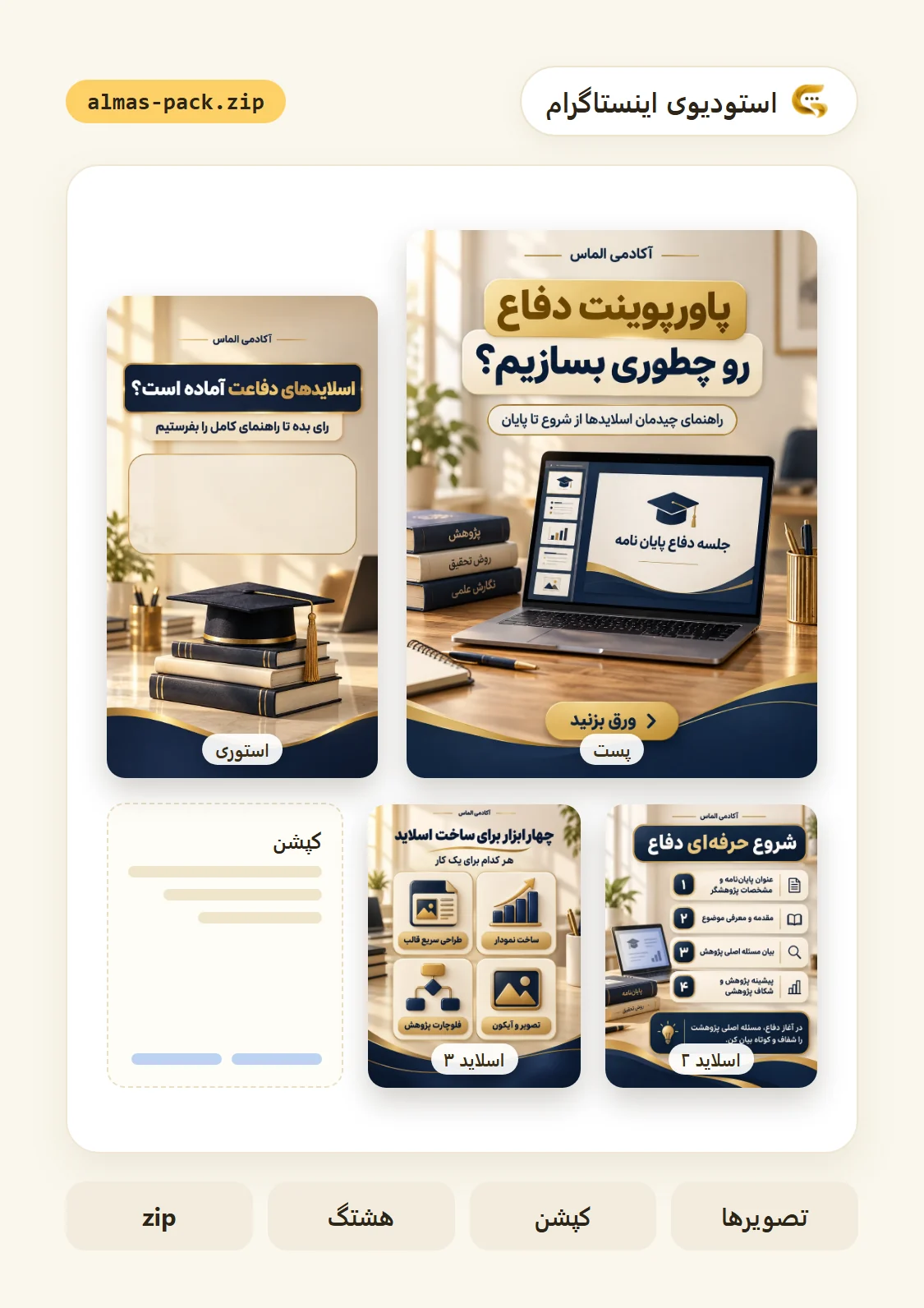
For a made-up brand called “Almas Academy”, in navy and gold with a luxury style, a short lesson on laying out the slides for a thesis defence was made. Each picture's headline and words were given, as when you write the words yourself, and the studio designed the pictures. These four are its output, untouched:

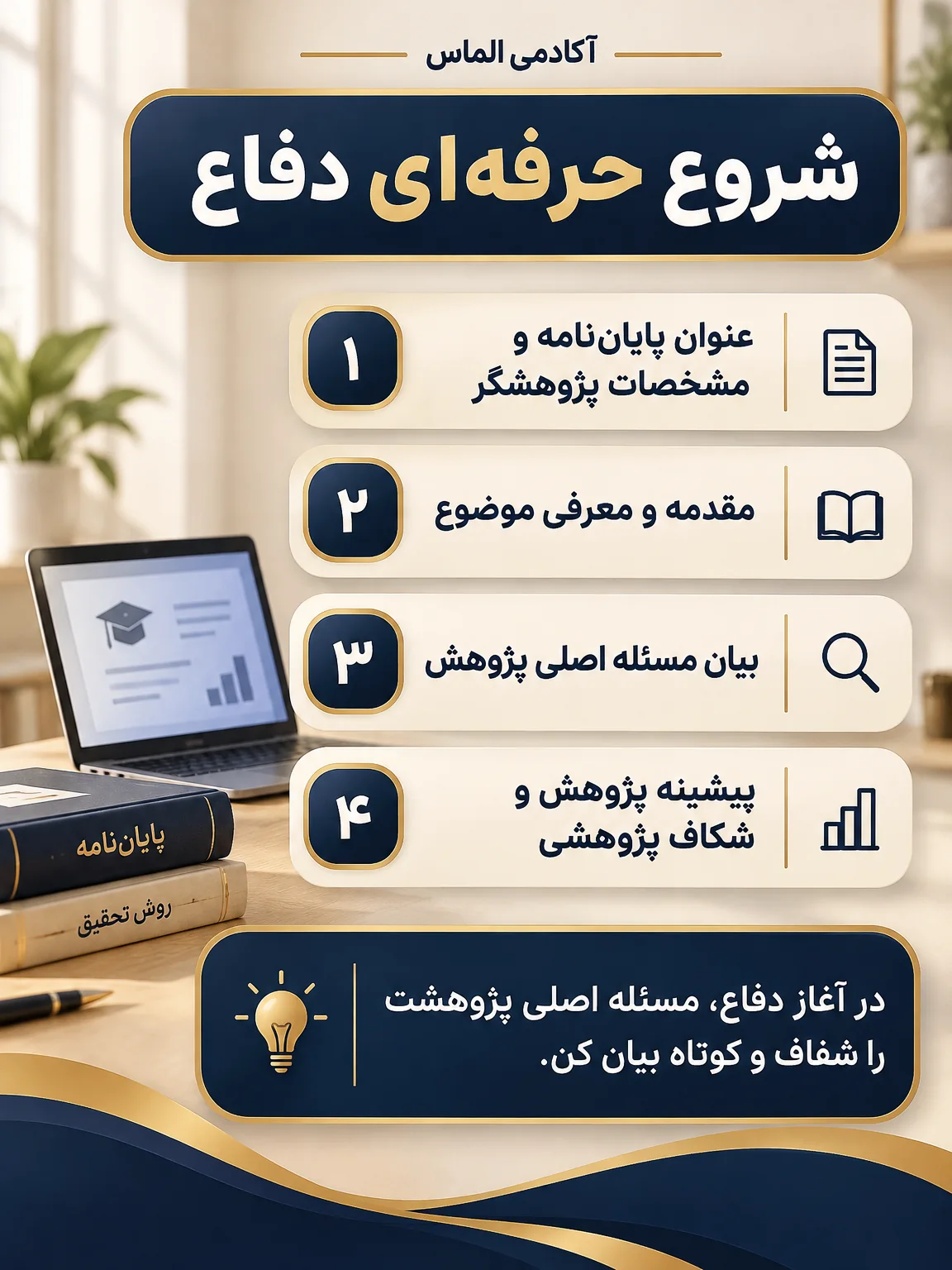


All four share one design language, a bright desk, navy panels with gold edges and a wave along the bottom, yet each has its own layout: a cover with a big headline, a numbered list, a grid of cards, and a story with room for a sticker. Once drawn, each picture's words were read back and compared with the words asked for.
Reels: write the narration for the ear
A reel has four to ten scenes depending on its length, and each is designed and animated from the subject. You can leave the narration to AI or write it yourself; if you write it:
- The first second matters most; open with a question or a figure that holds people.
- One thought a sentence; a long sentence gets lost in a reel.
- Write figures and names as they should be heard; if a word isn't read right, change how it's spelled and have that scene read again.
- End the reel by asking for one thing: follow, save, or visit your page.
Check these before you post
- Read every picture's words one by one, names and figures above all.
- Compare prices, discounts, the phone and the address with the originals.
- If you gave a product photo, compare the product in the picture with it; it's redrawn in the design and may differ a little.
- Read the caption and check the hashtags fit the subject.
- Watch the reel once to the end with the sound on.
- Remove any claim you can't back up, such as “the best” or “the cheapest”.